
Draw your own window zones on macOS.
Lay out the exact zones you work in, then drop any window into one with a drag or a keyboard shortcut. It lives in your menu bar and stays out of the way.
- Free, forever
- No tracking, no account
- Native and lightweight
- macOS 13+
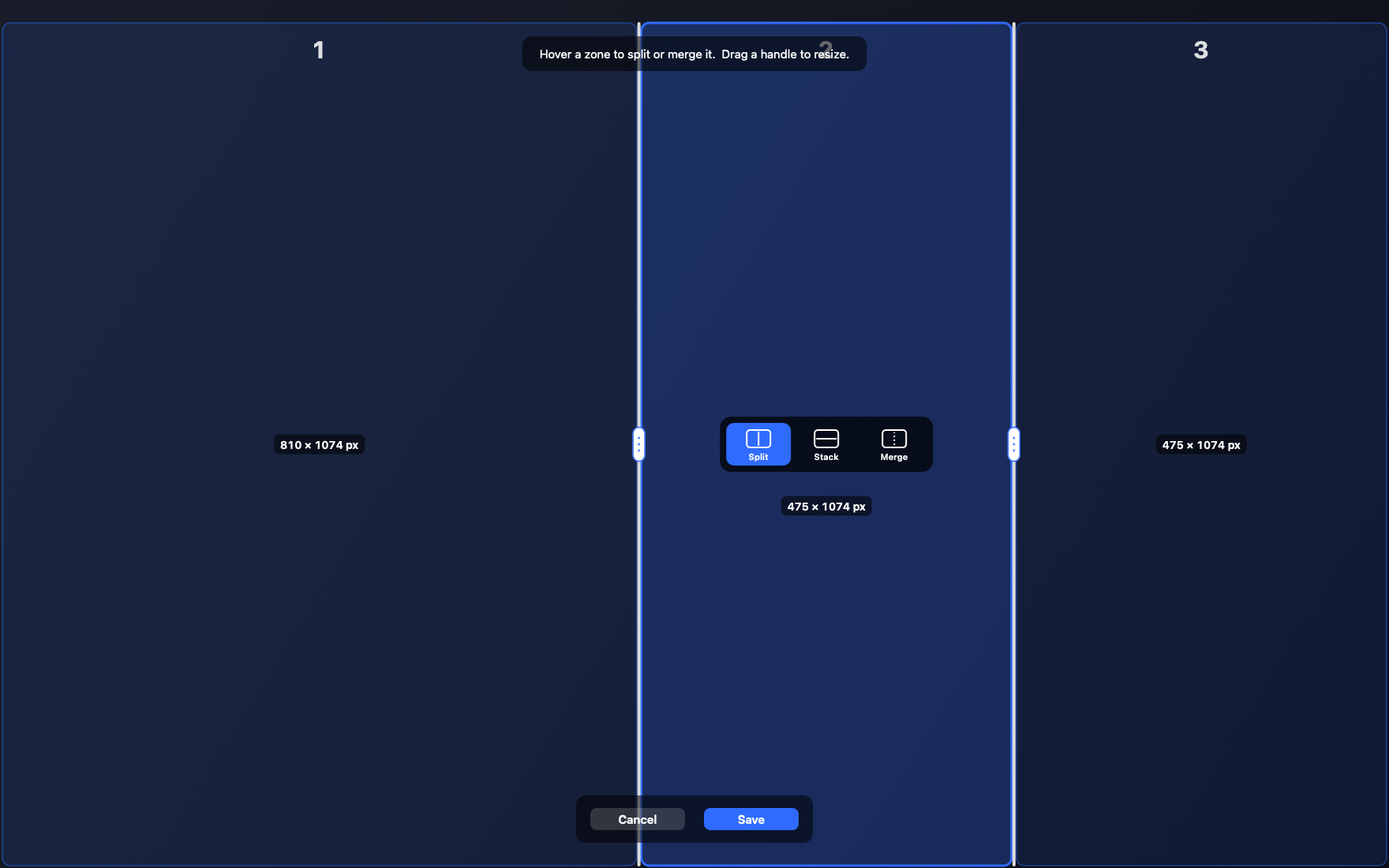
Design the zones, don't pick from a list
Two columns, three columns, a wide main area with a stack beside it. Split any zone as many times as you like until the layout matches the way you actually work.
Every screen keeps its own layout
Your laptop and your desk monitor can be set up completely differently. Lineup recognises each display and switches between their layouts on its own as you move windows around.
Place windows without aiming
Hold your chosen drag bind while dragging a window, or use a keyboard shortcut. Lineup reacts to the window moving, not in-app canvas drags.
Up and running in a minute
- Download the app and drag it into your Applications folder.
- Allow it once in System Settings under Accessibility, so Lineup can move your windows.
- Edit your layout from the menu bar, then start snapping.